
Introduction
Started in december 2001 as a “quick hack, just to see how it would look like”, Ambient’s first goal was to mimic the original Amiga Workbench, which is the graphical shell that appears once the computer finished booting. It eventually turned out into something much more complex and sophisticated and became the desktop of MorphOS.
As of 2005-01-22, Ambient is now free software (GPL).
Features
Uses MUI
The user interface toolkit is MUI (Magic User Interface). It was one of the most flexible and powerful GUI available, thanks to its object oriented design, and still holds up pretty well even today. Every window is automatically resize-able because to the built-in automatic layout engine. Moreover, the user can change the look of the interface himself. No need to hard code settings from the main program.
Multi-threaded
The whole design of Ambient is asynchronous. One of the key point during the development was that Ambient must never appear busy and keep reacting whatever happens. Each job that has a locking possibility (eg. I/O) or can take some time is scheduled to a thread that handles it separately. Conditions which usually upset other desktops, like a network device being unreachable, are not a problem for Ambient.
Various icon formats
Ambient handles a numerous format of icons: the original Amiga format, the MagicWB variant with proper remapping, the 256 colors indexed Newicons, the 256 colors indexed Glowicons and its own true color format with alpha based on PNG (PNG icon). Creating an icon is easy, just use your favorite paint package and save the icon as PNG.
True-color rendering
There is no support for CLUT (paletted) modes. This simplifies the internal design greatly as Ambient does quite a lot of graphics processing. 8-bit screens are a thing of the past and not worth supporting with current hardware.
64-bit arithmetic
64-bit arithmetic is used for operations related to storage and file handling. Large disks and large files are handled properly.
Localization
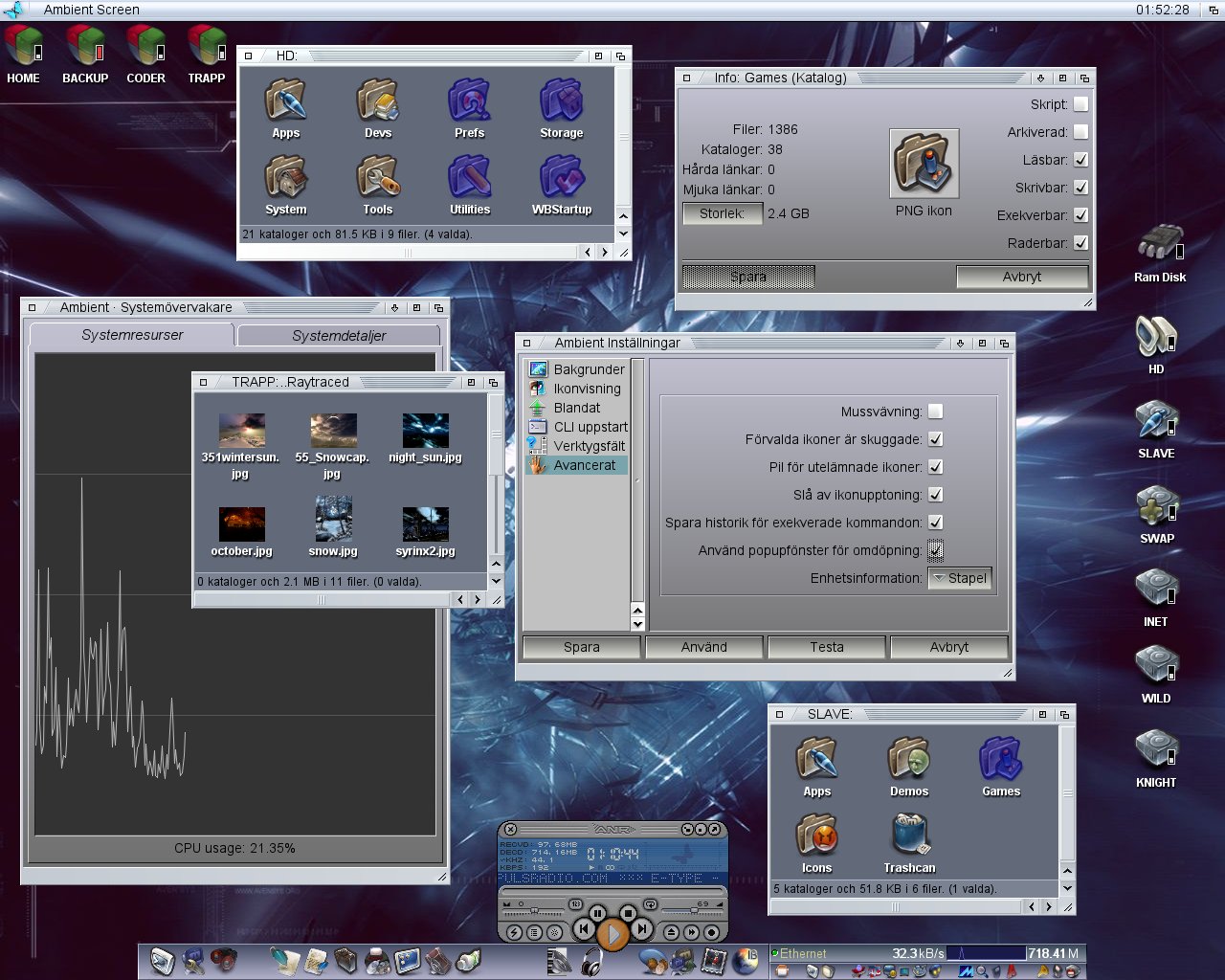
Ambient uses a so-called catalog system which means all its strings can be fetched from some external source if the desired language is different than english.
Fast I/O
Ambient is very efficient regarding I/O operations and is fine tuned to common storage speeds. Its buffers automatically adapt themselves to the given situation.
Built-in disk formatting
Actual formatting of disk partitions can be done from Ambient. The various modes includes quick format, full format and a complex verification format.
Different content views
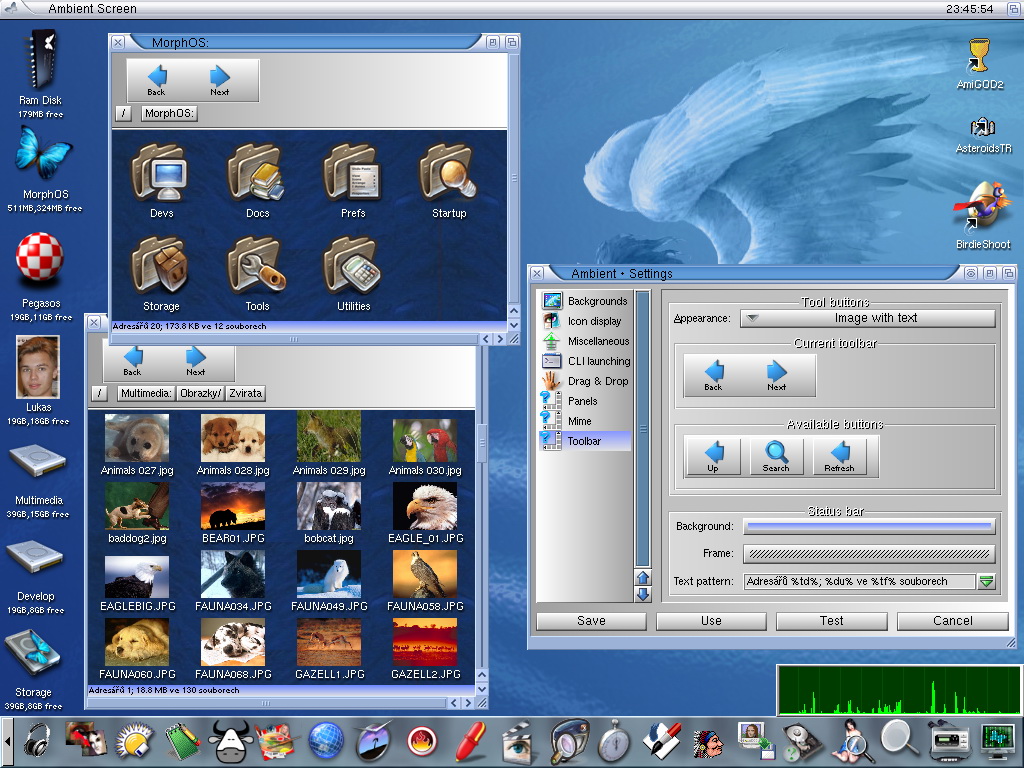
Depending on the media content, a different view can be used. For example an icon view with thumbnails, a list view showing most attributes of files, a view showing pictures. Everything is possible and views are pluggable modules.
Mime-types
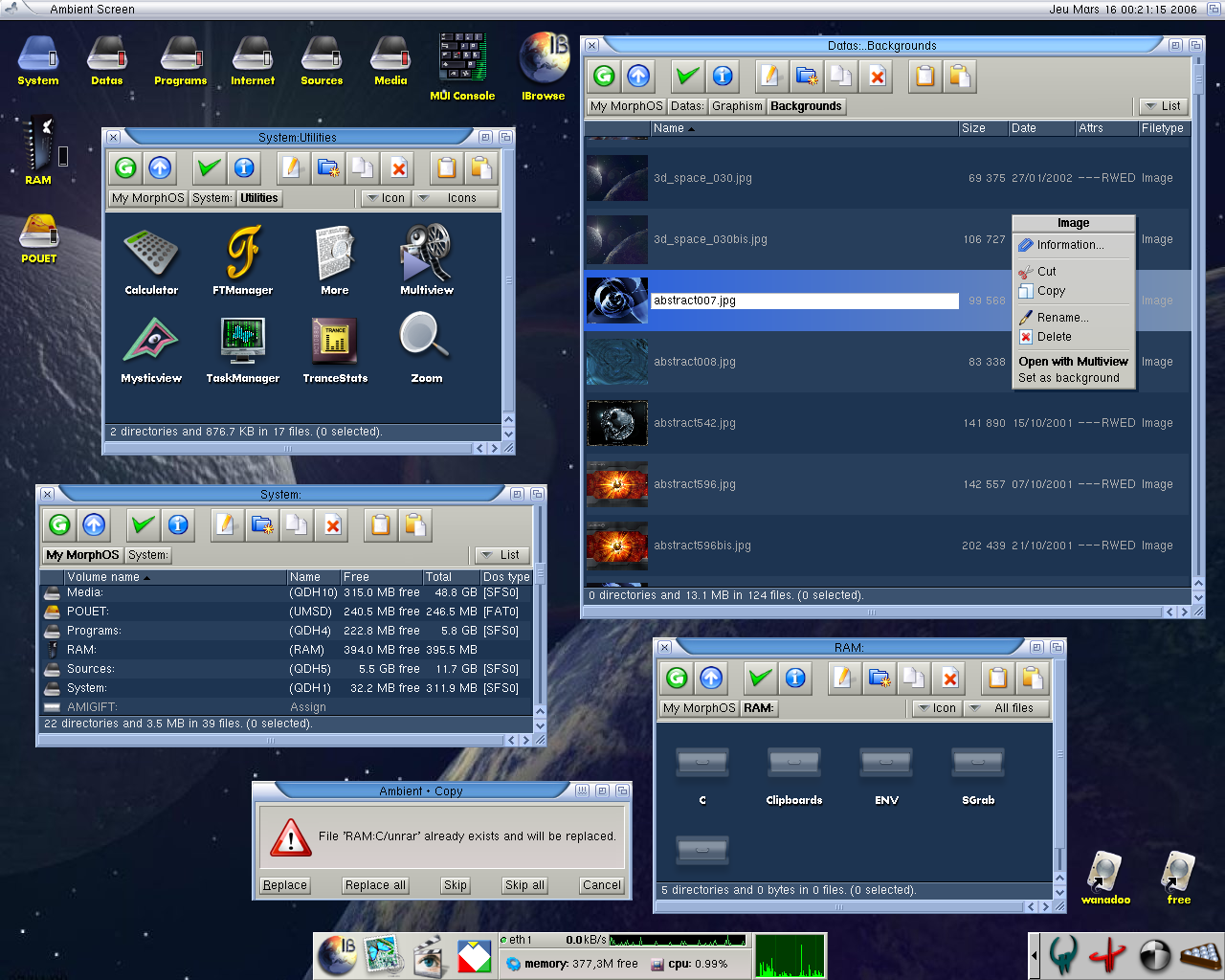
Each media can be handled differently depending on its mimetype. Ambient allows to configure exactly what to do with a given media. For example you might want to run some player tool when double clicking on a sound file or use Ambient’s built in audio player.
Panels
Ambient offers a quick way of creating panels or toolbars and populating them with programs or applets. There’s various options to configure the look and the behaviour of each panel.
Visual effects
Ambient has various visual effects to make things nifty and smooth. They are heavily optimized to avoid any impact on the general responsiveness. High quality resizing, alpha effects, blurring, .. they all take advantage of MorphOS’ graphics subsystem: CyberGraphX.
ARexx support
There’s a built in ARexx port which offers scripting support. Ambient uses these commands itself and allows scripts to perform various tasks.
Sound engine
Ambient features a built-in sound engine with drivers for AHI and audio.device and a simple API for applications. It allows to play various sounds easily and offers asynchronous modes.
Advanced hardware support
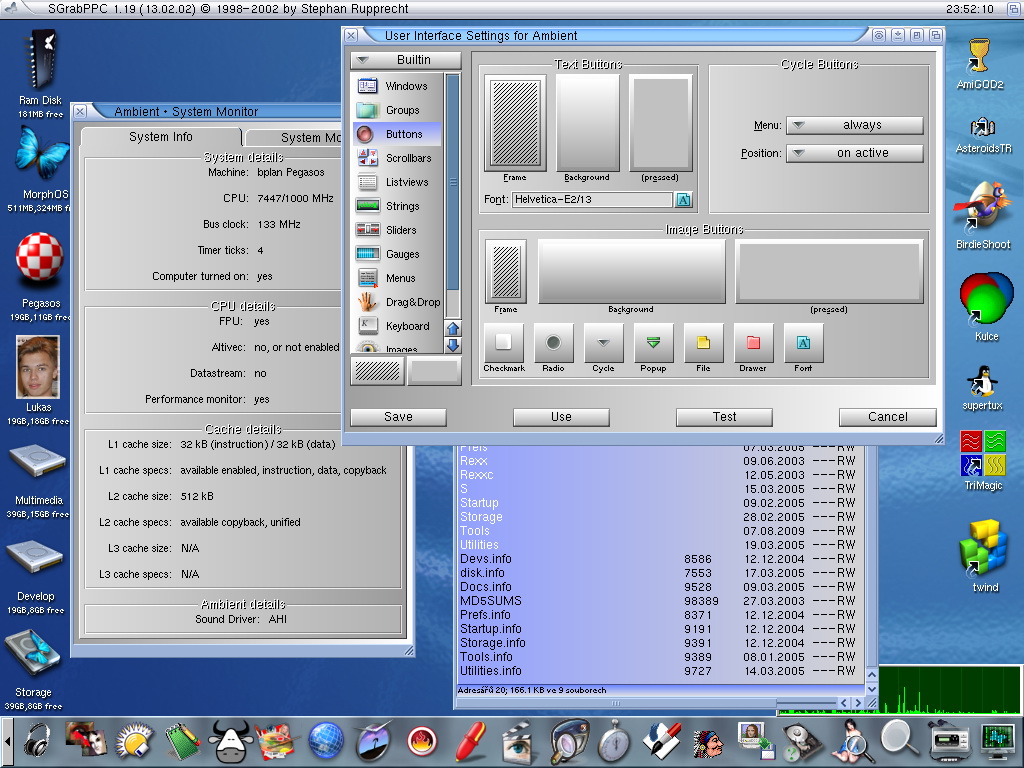
Ambient uses Altivec optimized code and takes advantage of the streaming features offered by the Pegasos 2 MPX bus.
Screenshots
From various users.

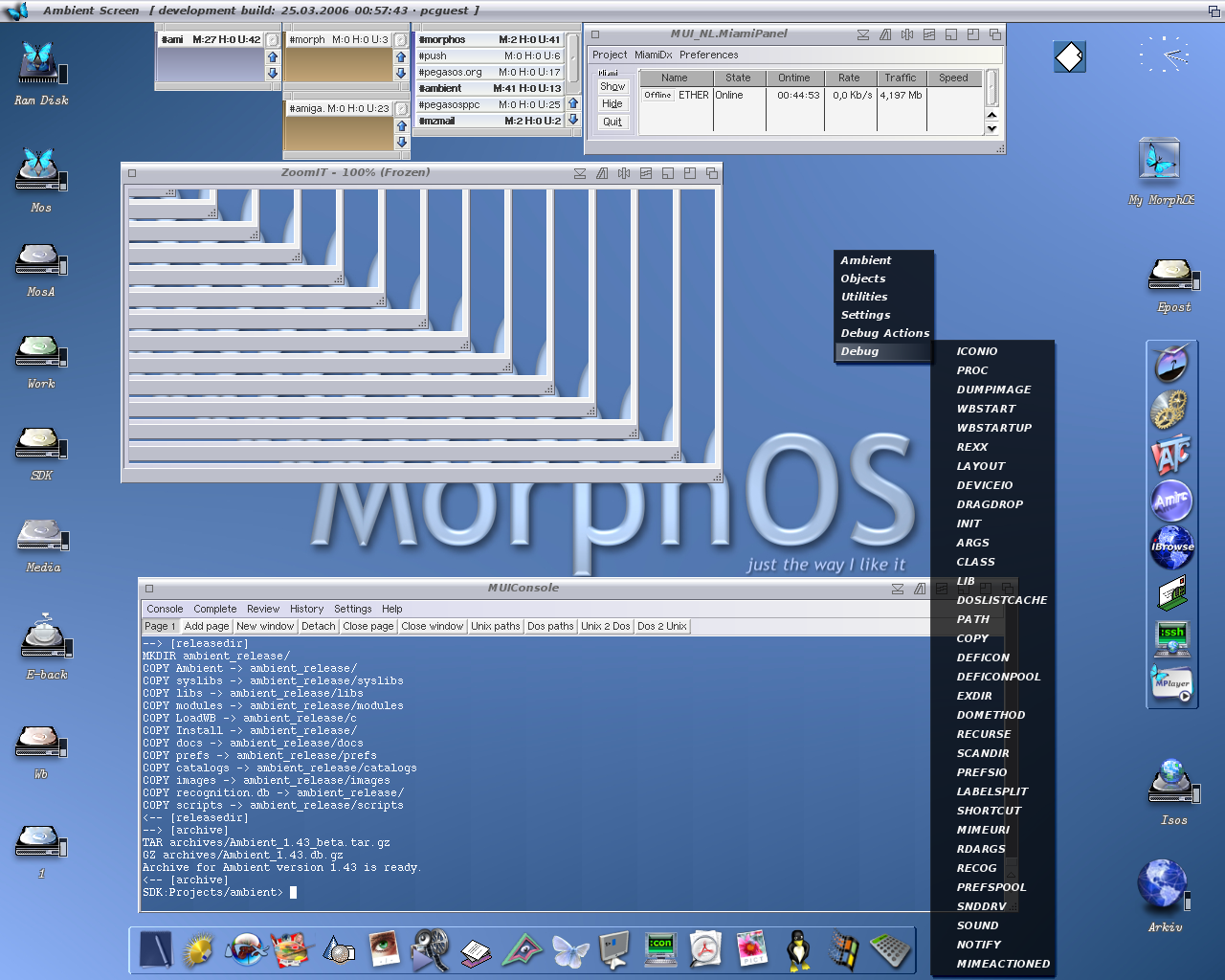
Status
The last version included in MorphOS 1.4 was 1.29. Genesi doesn’t own a license for it and has no right to distribute it anymore. Licensing was done with Thendic France which is bankrupt and no longer exists. Ambient sources are now freely available so that it can be legally used by everyone.
Download
There’s a project on sourceforge, which seems stalled.
The latest source code is available on GitHub.
Future
There are plans to port Ambient to other architectures once OpenMUI is completed.